
Integrations
ITM Platform Integrations
Expand the potential of project portfolio management
Create and Use Existing ExtensionsEnhance the standard functionality of ITM Platform
 The standard extensions available in your environment are developed by ITM Platform or a certified partner.
With the help of custom extensions, you can create additional functions, alter standard behavior, and connect ITM Platform with other applications.
They allow you to respond to events, such as updating tasks or purchase amounts, as well as responding with actions, such as sending an email or requesting more information from users.
You can also program recurring actions using the scheduler and synchronize ITM Platform with your ERP, CRM, or any other application used in your organization.
Read the docs for more details.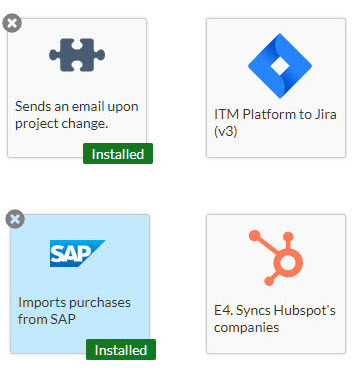 Import from MS Project
ITM Platform extended compatibility
 ITM Platform’s open philosophy translates into our commitment to be compatible with any solution you may be already using. That’s why you can load projects created on MS Project onto ITM Platform by simply loading their .mpp files.
 Easy transition from MS Project to a fully-featured project and portfolio management software
 Support MS Project as a legacy system for the personal use of project managers reluctant to move to a SaaS model
 Project integration at your
fingertips
See the full comparison between ITM Platform and MS ProjectPower BI TemplatesFor users who want to create comprehensive dashboards
 Designed specifically for ITM Platform, these templates provide charts and analysis based on best project management practices. They also offer the possibility of integration with other applications, such as your ERP or CRMDownload a template
Project Manager Template
Follow the instructions to connect the Power BI template to your ITM Platform account and customize it to your needs.
Analyze data coming from ITM Platform and other sources 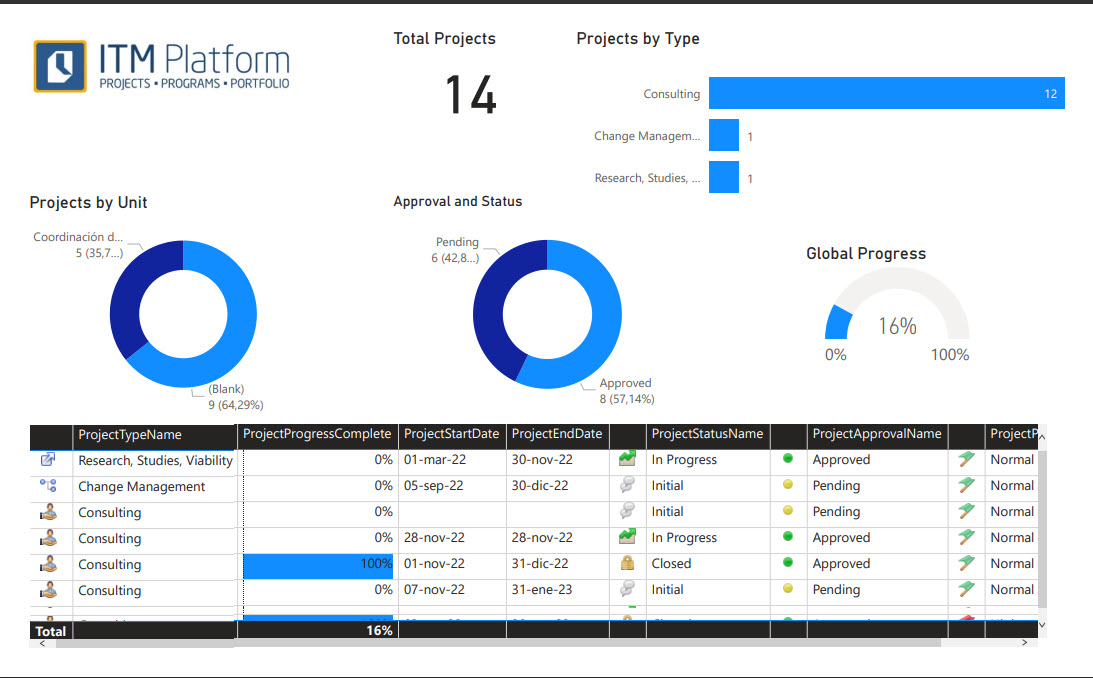 ITM Platform Slack connectorThe collaborative work management app for Slack
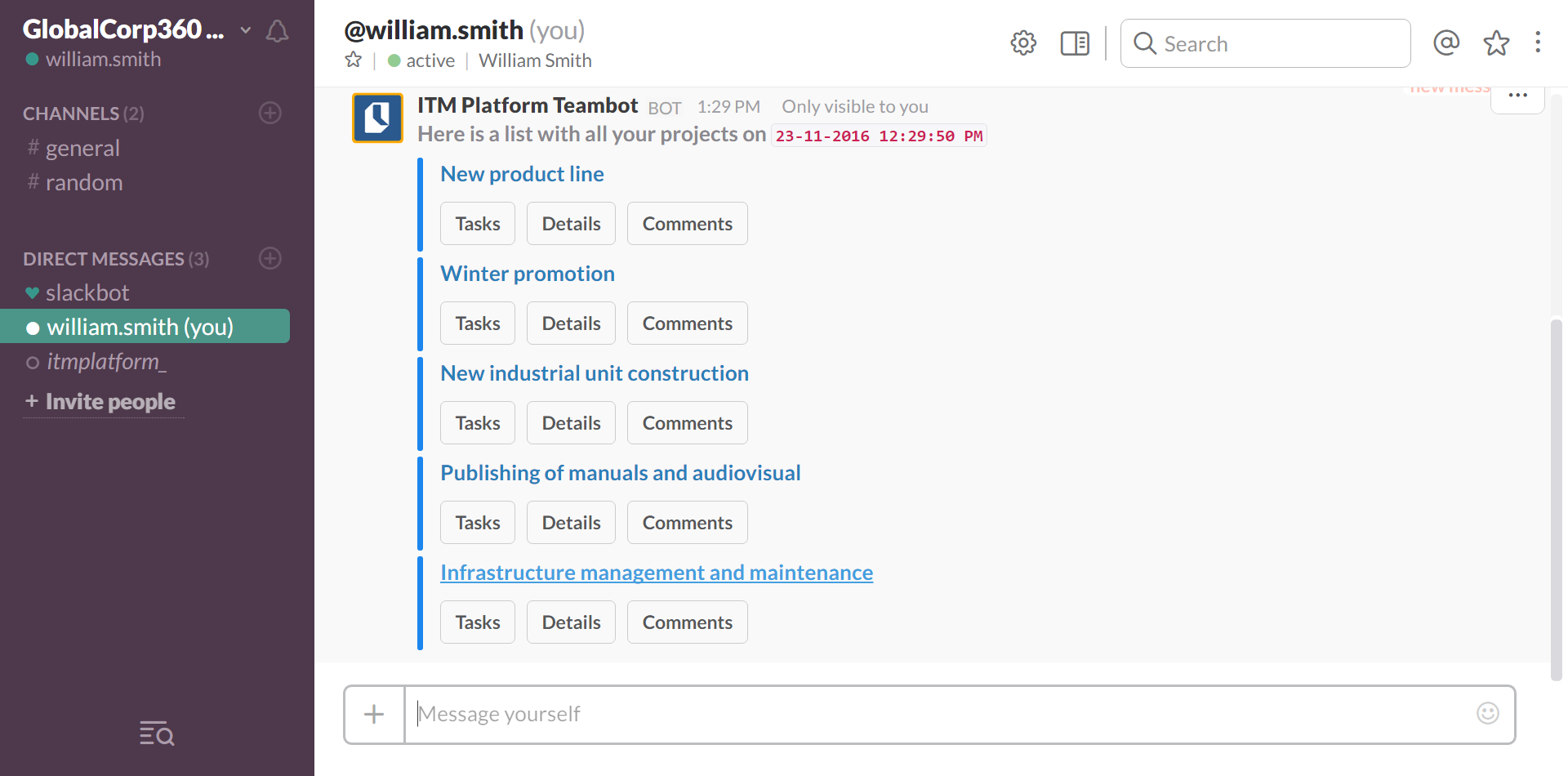
 Use ITM Platform directly from Slack. ITM Platform Teambot for Slack notifies users of any pending work and facilitates reporting. Users can report their progress and check their assignments using simple commands and buttons from their Slack chatbox, without having to log into ITM Platform every time.Try some commands



 Team members can manage their tasks and projects from their Slack chatbot with the /itmplatform command family.
 Not using ITM Platform yet?Try ITM PlatformAlready using ITM Platform?
Get Teambot for SlackJIra Portfolio Connector
Portfolio management from Jira data
 JIRA Connector allows you to oversee the development process as it unfolds. Choose the JIRA “issues” and projects that are relevant for your project portfolio management processes and integrate them in your ITM Platform portfolio.
Integrate the leading issue tracking solution with ITM Platform in no time
Choose what, when and how often to synchronize
See progress of JIRA users even if they don’t have an ITM Platform license
Zapier Integration
Integrate ITM Platform with over 4,000 apps
 Zapier allows integrating hundreds of apps without having to write a single line of code. ITM Platform’s Zapier integration allows you to automatically create tasks from other applications.
Examples of Zaps you can create with ITM PlatformSend tasks from your mail
Incorporate stakeholders communications into your projects, without having to manually insert the data.
Generate tasks for each new report uploaded
Create an ITM Platform task any time a new file is generated in dropbox.
Connect your marketing with your project management
Any new card your marketing team generates is reflected as a task in ITM Platform.
 Create your own integration
ITM Platform provides a complete API that allows you to connect with any app, like PowerBI or an ERP.
Developers Center Your mail assistant in ITM Platform
ITM Platform Mailbot is your personal mail assistant in ITM Platform. Check your tasks or project details without the need to log into ITM Platform: Mailbot will deliver everything directly into your inbox. Click here to open a trial and test Mailbot.